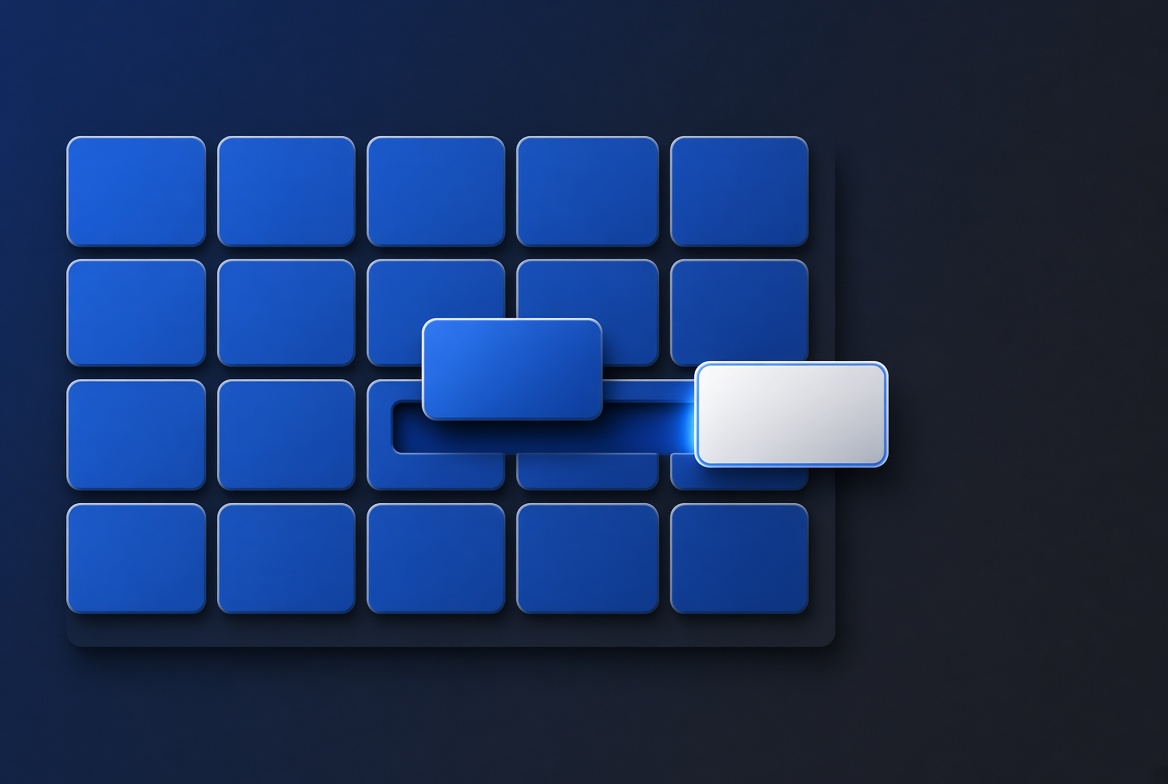
Changing an application while it runs
In TSQL.APP a screen and its buttons are rows in the database, so changing the application is an update, not a release. Why that is safe, and what it does not protect you from.
In TSQL.APP a screen and its buttons are rows in the database, so changing the application is an update, not a release. Why that is safe, and what it does not protect you from.
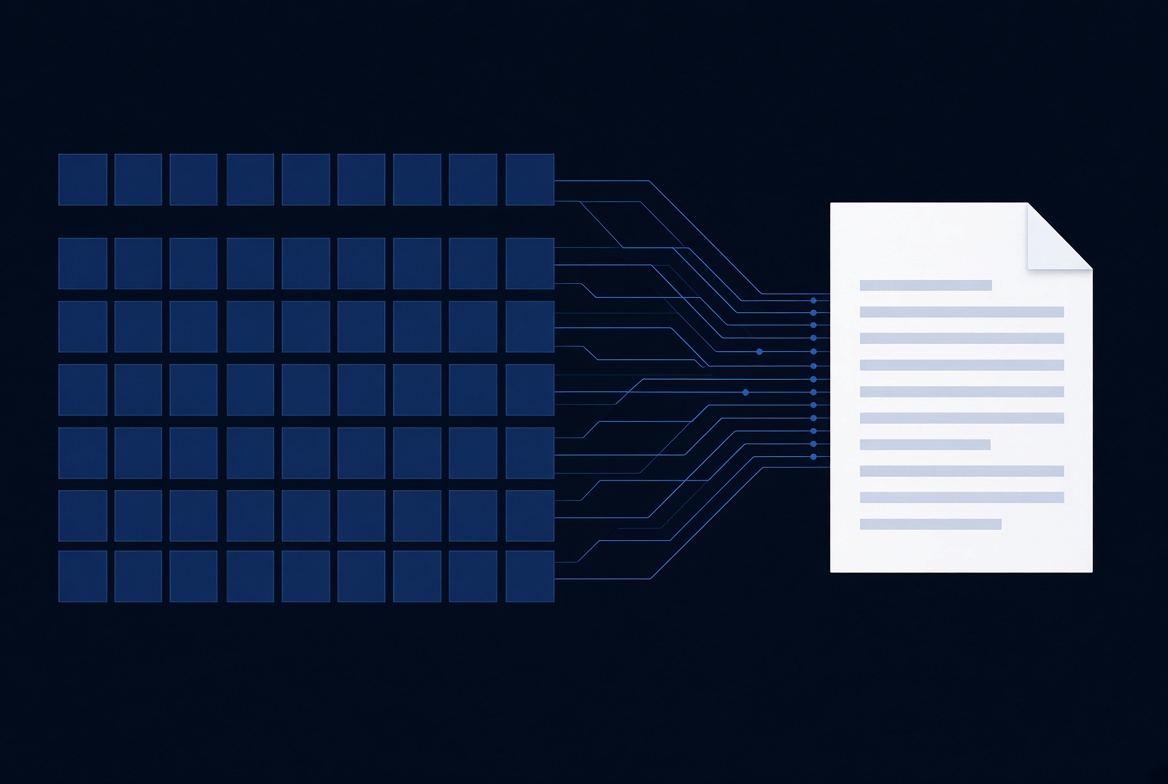
Business software has to produce documents. TSQL.APP generates them from a Word template and the card metadata you already wrote — no reporting tool, no second data model.
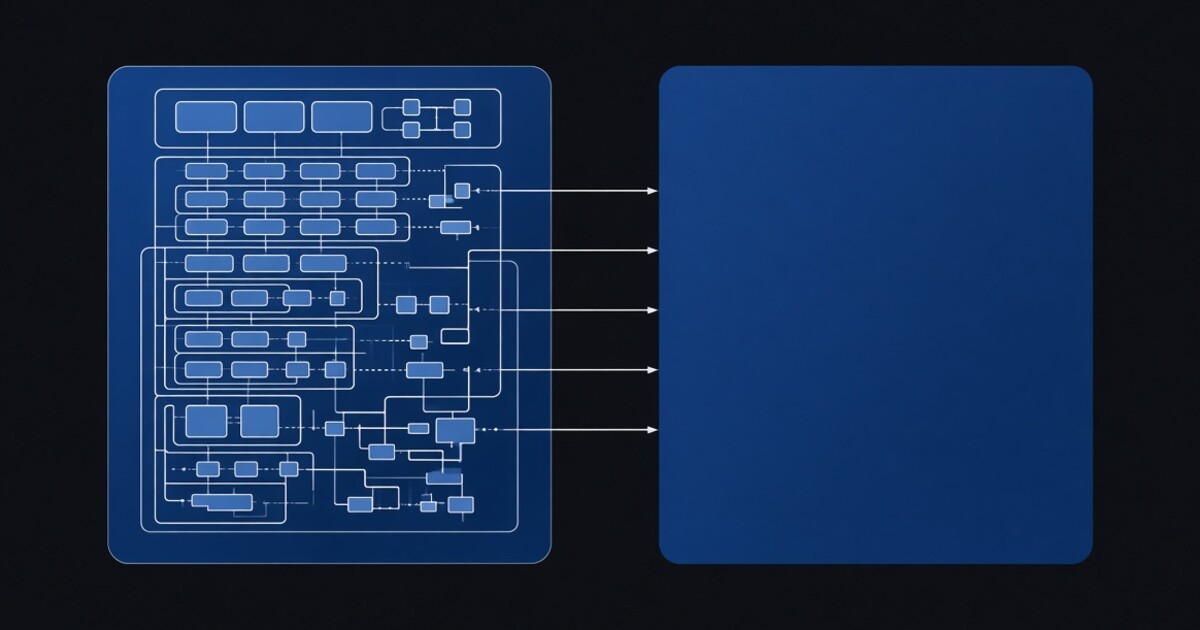
The schema is the part nobody will let you touch, and rightly so. TSQL.APP puts the application in a second database that reads yours through synonyms — and the binding between them is not configured anywhere.
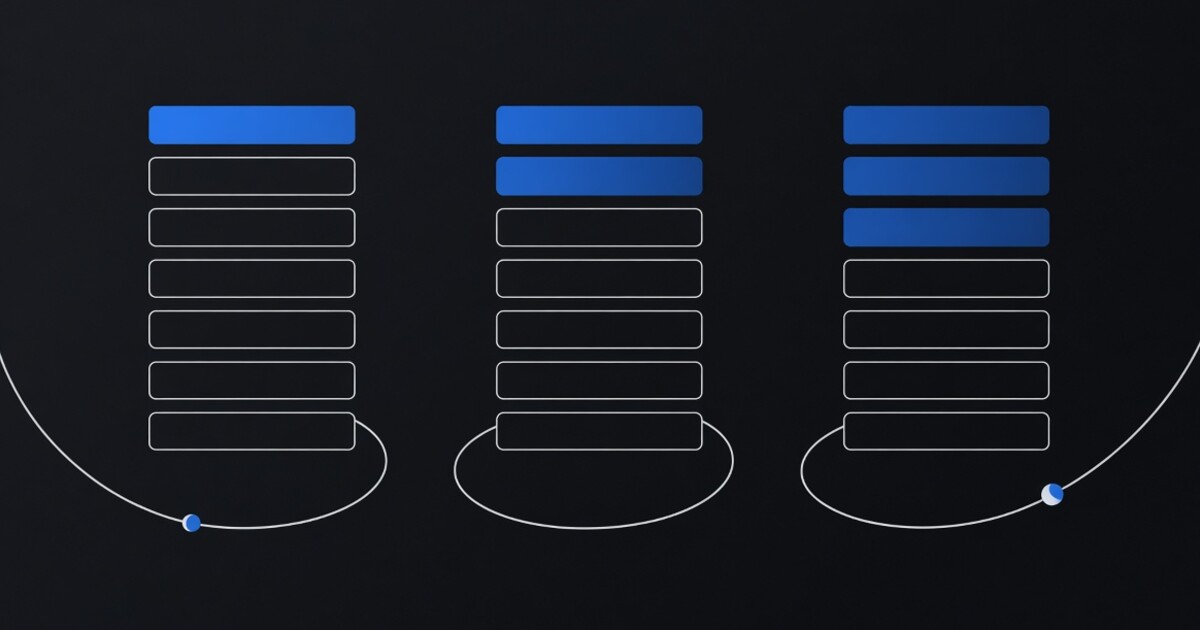
A T-SQL batch cannot block for forty seconds while someone types, so in TSQL.APP nothing does. The script ends and is re-run from line 1 on the next click, and "step 3 of 5" is never stored anywhere.
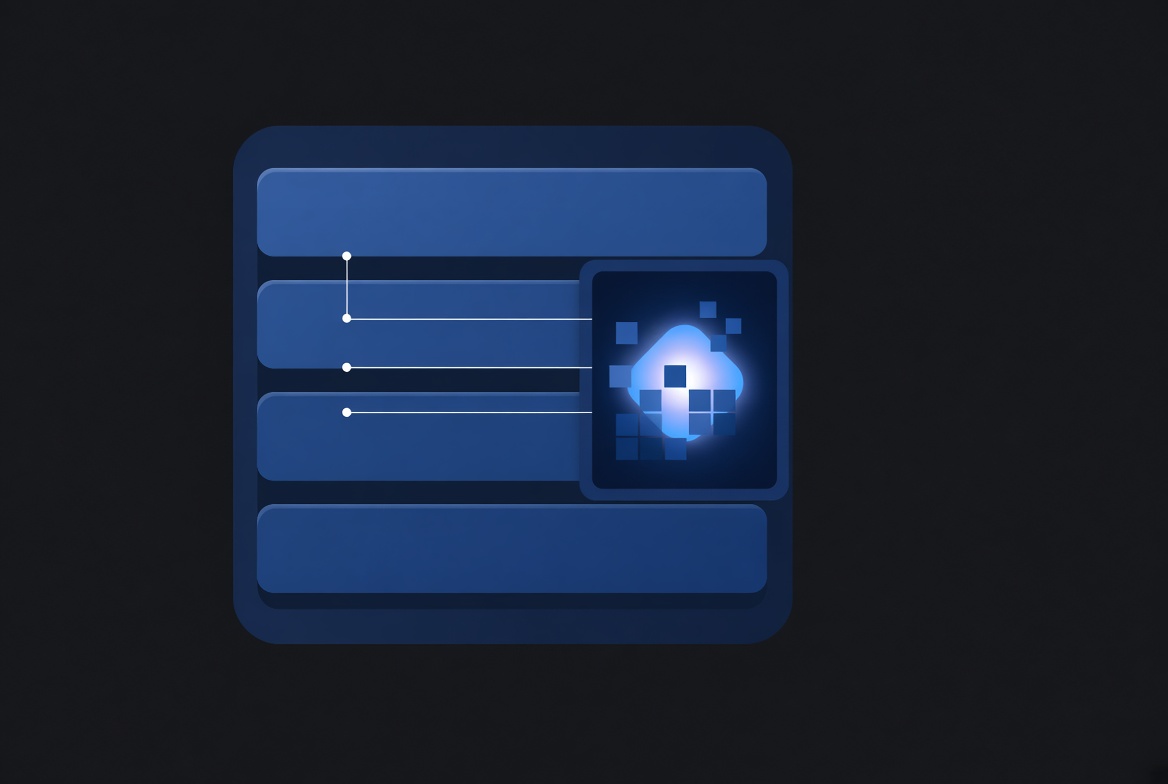
Most AI features keep a stale copy of your schema and a guardrail written in English. Put the assistant in the database and SQL Server enforces its limits.
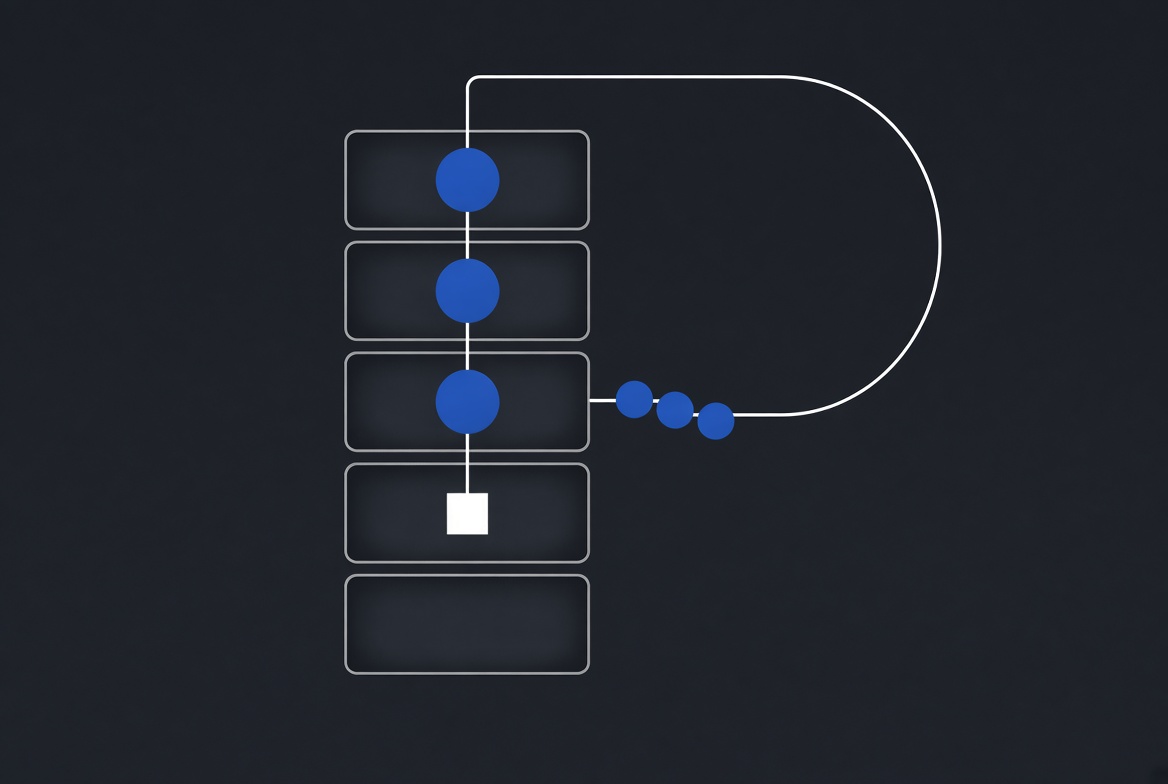
TSQL.APP puts the whole application inside SQL Server — UI, business logic and permissions. Why the frontend-backend divide turns out to be optional.

COM objects, the command shell, Excel automation — the Windows-only half of SQL Server. What replaced it on Linux, and why one procedure was enough.
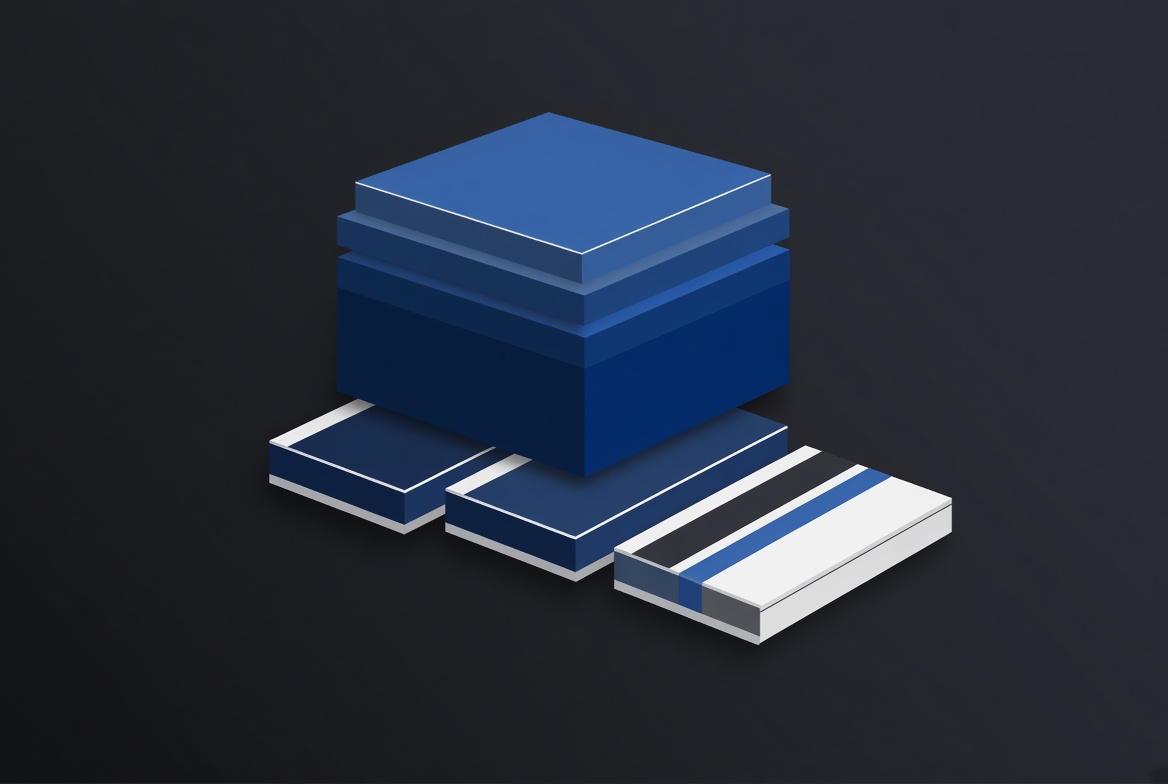
Most business software ends up married to the server it was installed on. When the application is the database, the host underneath becomes replaceable.
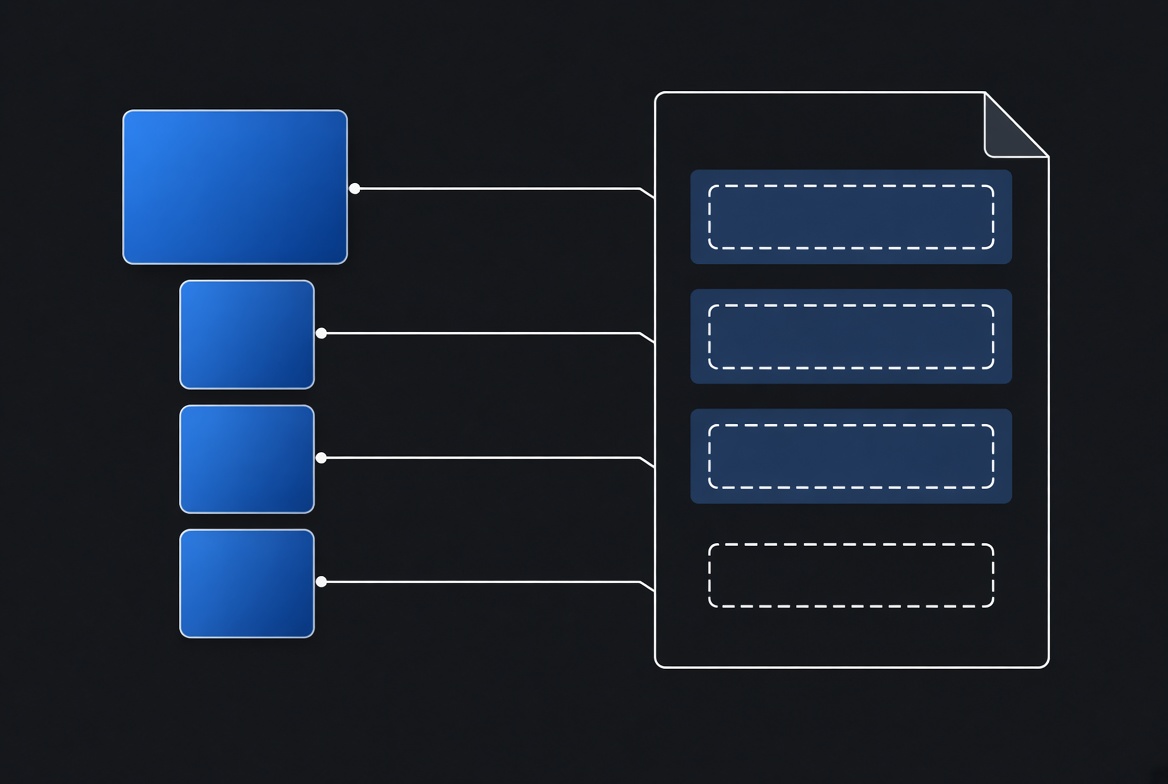
Business documents rendered from ordinary Word templates, with the query behind them generated from the screen you are already looking at.