The application your database doesn't know about
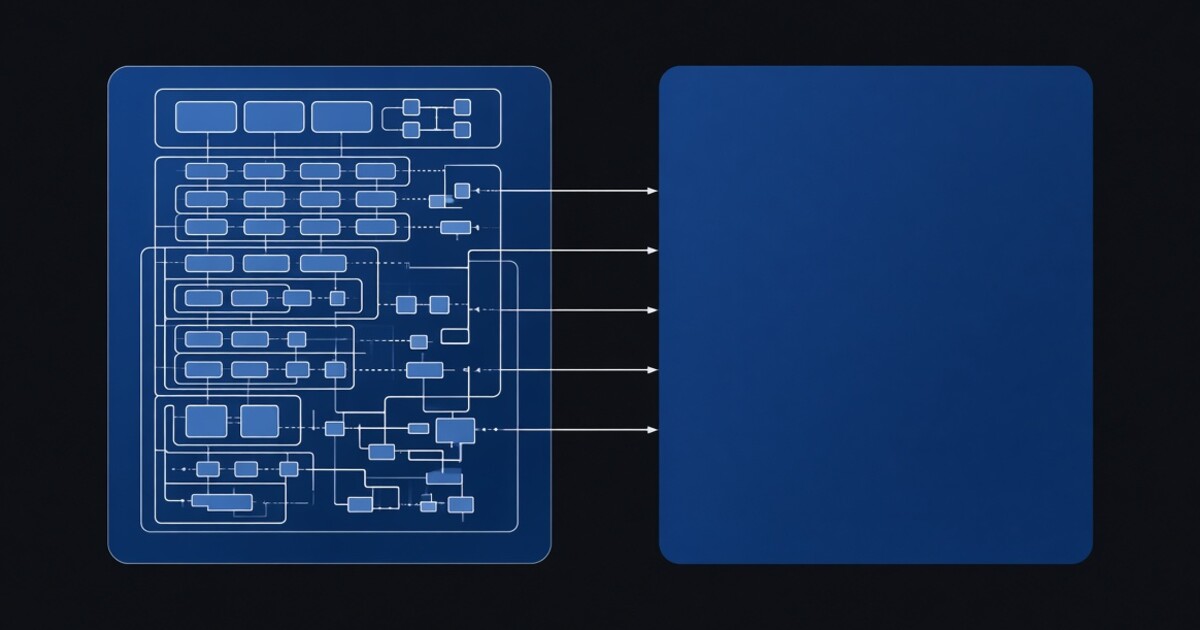
Every proposal to modernise a business application eventually arrives at the same sentence, and it is usually the sentence that kills it: first we will need to make some changes to the database.
The reluctance is not conservatism. A schema that has been in production for fifteen years is not just a set of tables. It is the accumulated meaning of every decision the business has made, including the ones nobody remembers making. There are reports bound to those column names. There is an integration that nobody owns any more which reads one of those tables directly at two in the morning. There is a column whose name has been wrong since 2013 and which three other systems now depend on being wrong.
So the tool that wants to own your schema is the tool you do not buy, and it does not matter how good the rest of it is.
TSQL.APP does not touch your schema. The application is a second database that reads yours, and your database is never told it exists.
What is in which
An application is two databases. Your existing one — call it app — keeps your tables
exactly as they are. A second one, app_proj, holds the framework: the sp_api_*
procedures and the api_* metadata tables.
What lives in that second database is the entire application:
| table | holds |
|---|---|
api_card |
one row per screen — the URL segment, the table it is bound to, sort order, row limit, which roles may see it, whether create/read/update/delete are allowed |
api_card_fields |
one row per column — the SQL expression behind it, its order in the list and in the detail view, which tab it sits on, what happens when it is edited |
api_card_field_attributes |
per-field UI attributes, themselves stored as SQL expressions and evaluated at render time |
api_card_children |
the parent/child edges that make /order/42/line/7 work |
api_card_actions |
the buttons, and the T-SQL behind each one |
A screen is rows, not a file. There is no orders.jsx and no OrderController.cs
anywhere, because there is nothing to put in them — the definition of the order screen is
a row in api_card, some rows in api_card_fields, and a handful of action scripts.
None of it is in your database.
The stitch
Two things have to be true for that separation to work. The framework has to know which business database it is serving, and its generated SQL has to be able to reach your tables.
The first one is the part worth slowing down for, because it is not configured anywhere. There is no tenant registry, no mapping table, no per-customer entry in a config file. The whole of it is this:
sqlDECLARE @proj_database nvarchar(128) = DB_NAME()
DECLARE @main_database nvarchar(128) =
SUBSTRING(@proj_database, 0, CHARINDEX('_proj', @proj_database, 0))
EXEC sp_set_session_context 'main_database', @main_database
The framework asks which database it is currently executing in, strips _proj off the
end, and that is the business database. app_proj serves app. Naming is the
configuration.
Which has a consequence worth stating plainly: the framework code is identical on every installation. Not "similar", not "generated per customer" — the same procedures, the same metadata table definitions, byte for byte. What makes one installation an order system and another a warehouse system is which database the connection opens. Change the connection and the same code is a different application.
The second half of the stitch is how generated SQL reaches your tables. When a card is set up, the framework creates a synonym — inside its own database, pointing at yours:
sqlCREATE SYNONYM [orders] FOR [app].[dbo].[orders]
A synonym is a name, not a copy. Nothing is replicated, nothing is cached, nothing has to
be kept in step. A query against orders inside the framework database is a query
against your table, resolved at execution time, with your indexes and your constraints
doing exactly what they always did.
This is also why the generated SQL can name your tables bare, without a three-part name anywhere in it — which is the other reason the framework code can be identical everywhere.
What it does not do
It would be easy to oversell this, so here is the shape of it precisely.
Your database gets nothing. No framework tables, no triggers, no extended properties, no audit columns bolted onto your rows. The synonyms are created in the framework's database, pointing outward. Your side of the line is read and written by ordinary SQL, exactly as any other client would.
Your data is live, but your field lists are cached. The data path runs through the
synonym on every request, so a value changed by another system is visible immediately.
The definition of a card — which columns exist, what type they are, what the detail
view shows — is materialised into cache tables when the card is set up. Add a column to
one of your tables and the data is reachable, but the card does not grow a field on its
own; the card is re-populated, and then it does. That is a deliberate trade. A screen
whose layout silently reorganised itself because somebody ran an ALTER TABLE would be a
worse product.
Unqualified DDL lands on the wrong side. Action scripts execute in the framework
database's context, so a CREATE TABLE audit_log in a button creates that table in
app_proj, not in your business database. This surprises people exactly once. Qualify
the name, or create it on the business side and give it a synonym like everything else.
Why this is the part that sells it
Point the framework at a database that has been running since 2011 and it will render it. Not after a migration, not after an import, not after a modelling exercise — you create the second database, populate cards from the tables you already have, and you have screens. The schema you were not allowed to touch remains untouched, which means the overnight integration nobody owns keeps working, because nothing about the thing it reads has changed.
It cuts the other way too, and this is the part people appreciate later. Because the
framework lives in its own database, it can be replaced, upgraded, or deleted without
touching a row of business data. A framework upgrade is a change to one database. If you
walk away from TSQL.APP entirely, you drop app_proj and your data is precisely where it
was before you started, in the schema you have always had, with no cleanup and no
extraction step.
Nobody buys software imagining the exit. But the architecture that makes the exit cheap is the same architecture that made the entrance cheap, and for a system that will still be running in fifteen years, both of those matter more than anything on a feature list.
There is documentation and a programming reference online, and the execution model is written up separately if you want to know what happens after a card is on screen.